Your next trip to France
From Burgundy vineyards to the creeks of Marseille
Tripsty brings together the places, roads and flavours of France on one interactive map. Type a city to get started.
Where are you going?
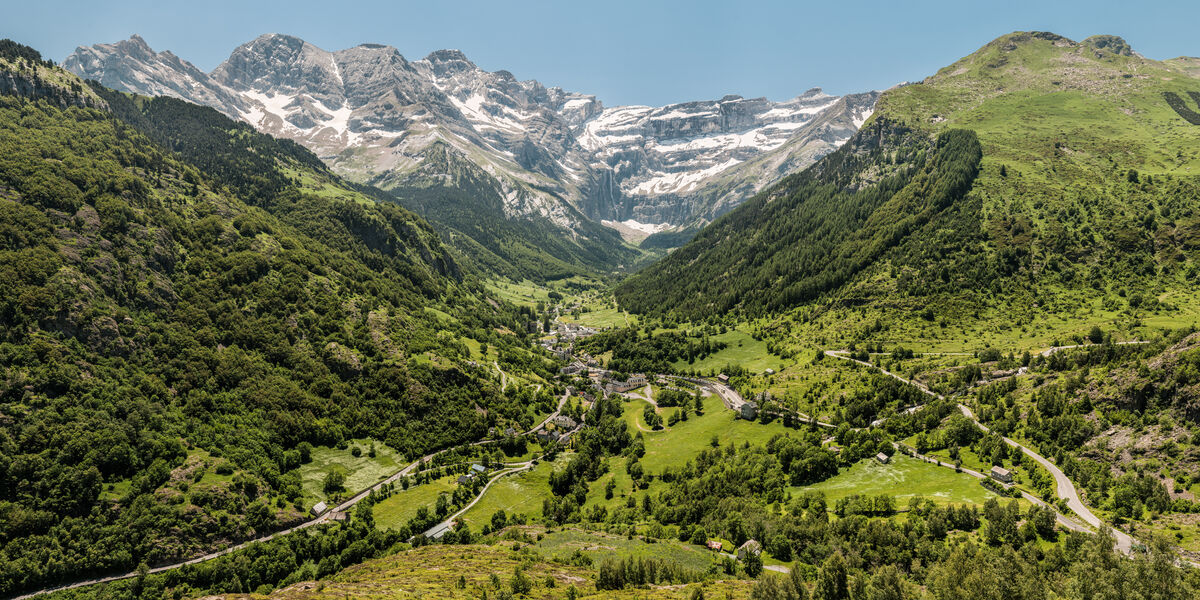
Road trips
Hautes-Pyrénées: Gavarnie and Lourdes
10 min
Regions of France
Every region has its character
Click a region to discover its places, wines, cheeses and guides.
All regions →By theme
French terroir at your fingertips

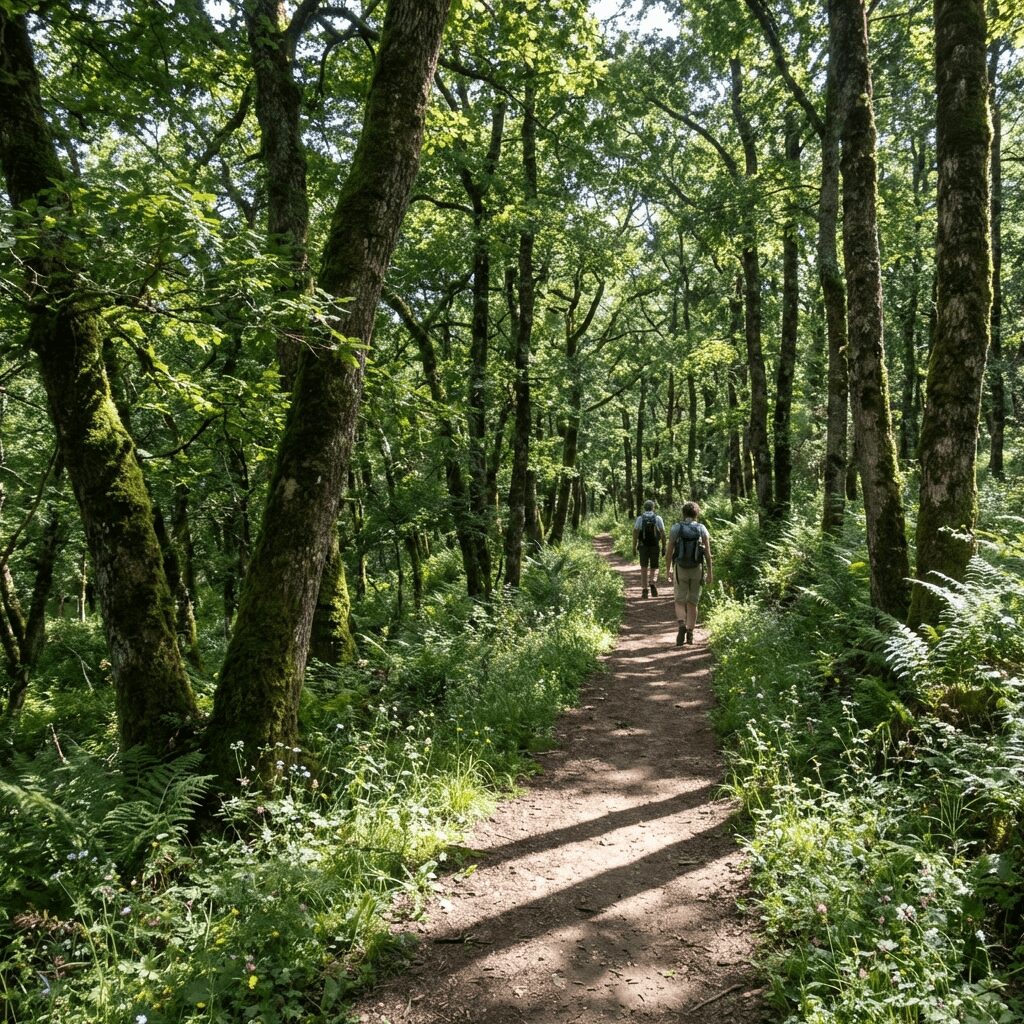
Our travel guides
All guides → Road trips
The Alsace Wine Route: Vineyards and Charming Villages
Explore the Alsace Wine Route from Marlenheim to Thann. Picturesque villages, wine tastings and tips for an unforgettable road trip.
 Regions
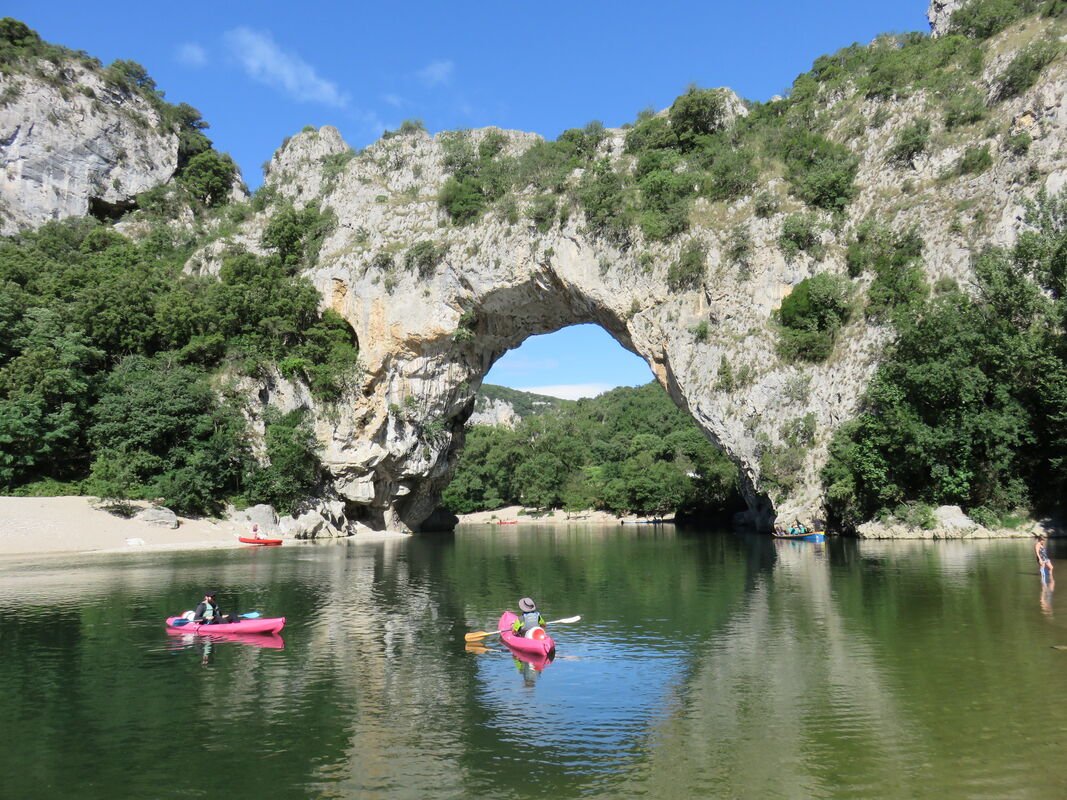
Ardèche: Gorges and Chauvet Cave
Explore Ardèche: canoeing the gorges, Chauvet Cave replica, charming villages, Mont Gerbier de Jonc. Complete guide with prices and tips.
 Nature
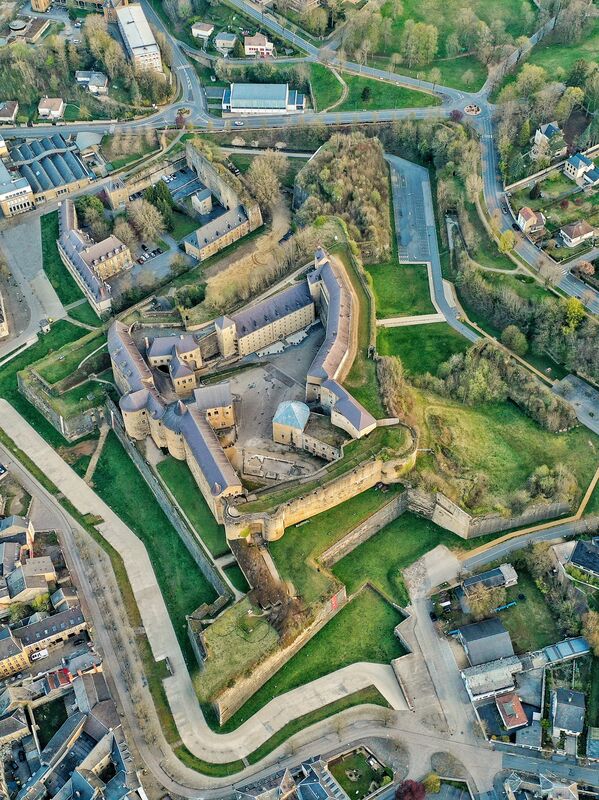
Ardennes: Meuse Valley and Forests
Discover the French Ardennes, from the Meuse Valley and Europe's largest medieval fortress at Sedan to Charleville-Mezieres's puppet festival and the wild forests of the Ardenne.
France, the world's top tourist destination
With over 90 million visitors per year, France is the world's leading tourist destination. From the beaches of the French Riviera to the peaks of the Alps, from the Loire Valley castles to Bordeaux vineyards, each region offers unique cultural and natural treasures.
Tripsty relies on open data from DATAtourisme, the French national tourism platform, to give you access to a comprehensive and up-to-date catalog of tourist points of interest across the entire country.
Frequently asked questions
Is Tripsty free?
Yes, Tripsty is completely free. All features are accessible without registration or subscription. Our data comes from DATAtourisme, the open platform for French tourism.
Where does the tourism data come from?
The data comes from DATAtourisme, the French national tourism information system. It is collected and updated by tourism offices and local authorities across France.
Can I use Tripsty offline?
You can export your itinerary in GPX format to use it with any GPS navigation app, even without an internet connection. Browsing the map requires a connection.
How do I create a road trip itinerary?
Search for your destination, explore points of interest on the map, then click 'Add to itinerary' for each place. You can then organize your stops, calculate distances and share your route.